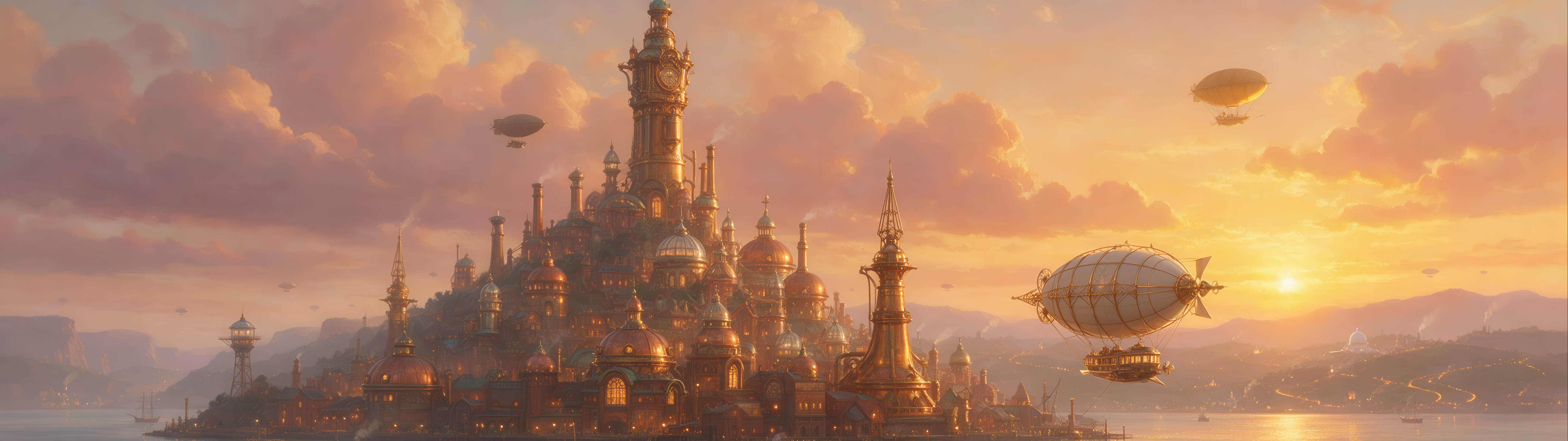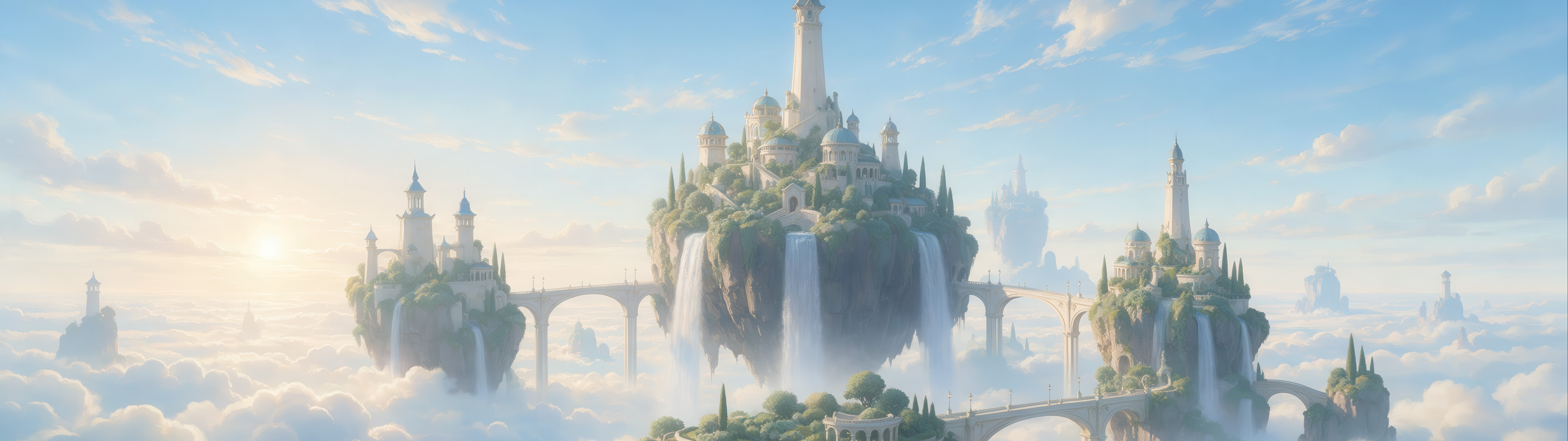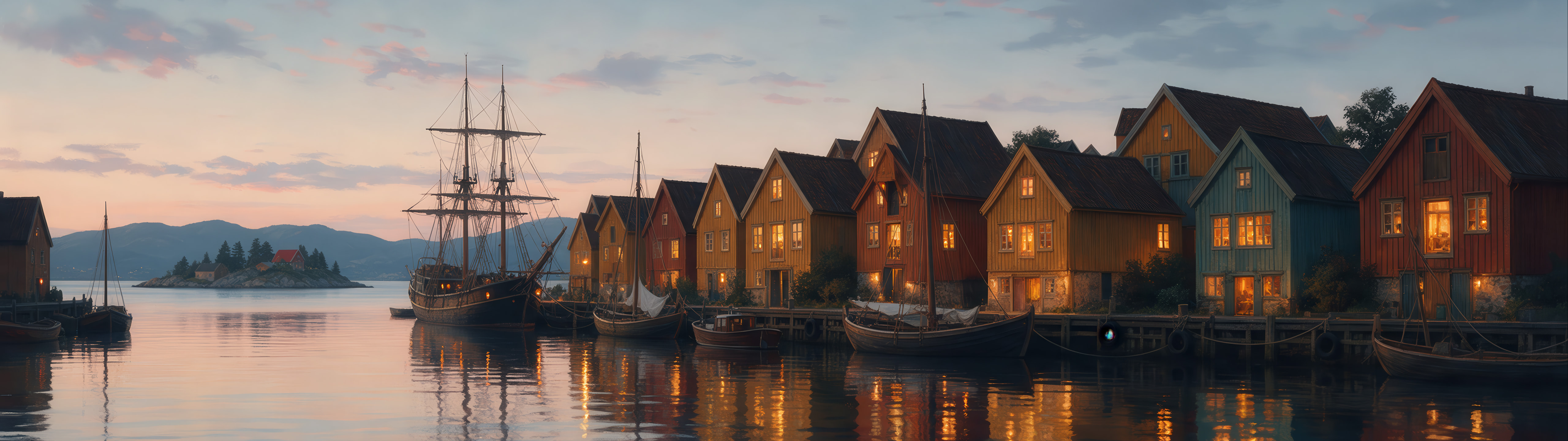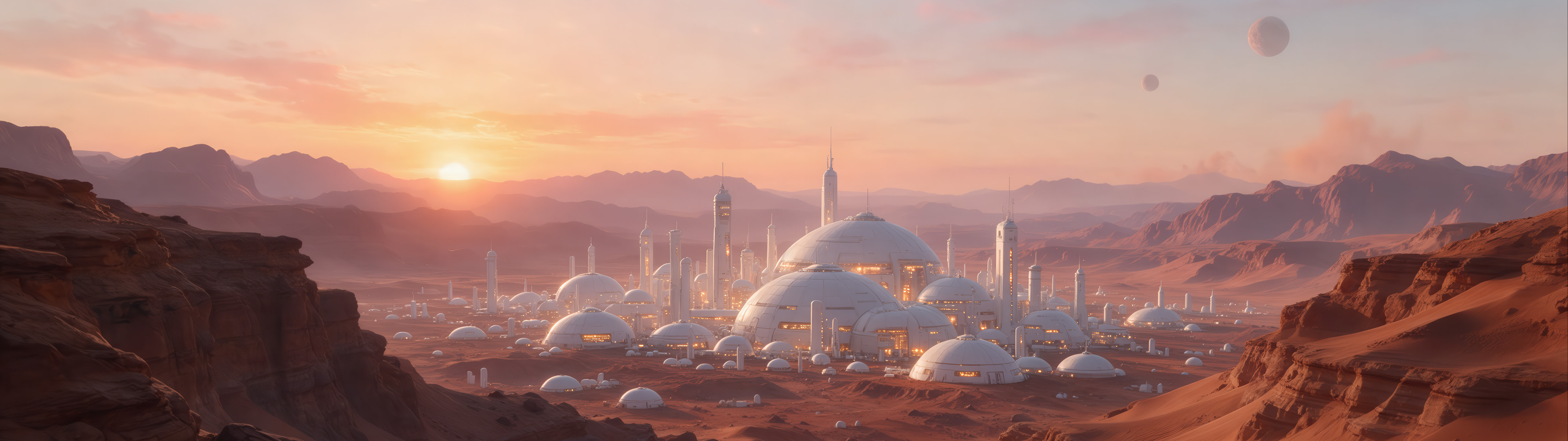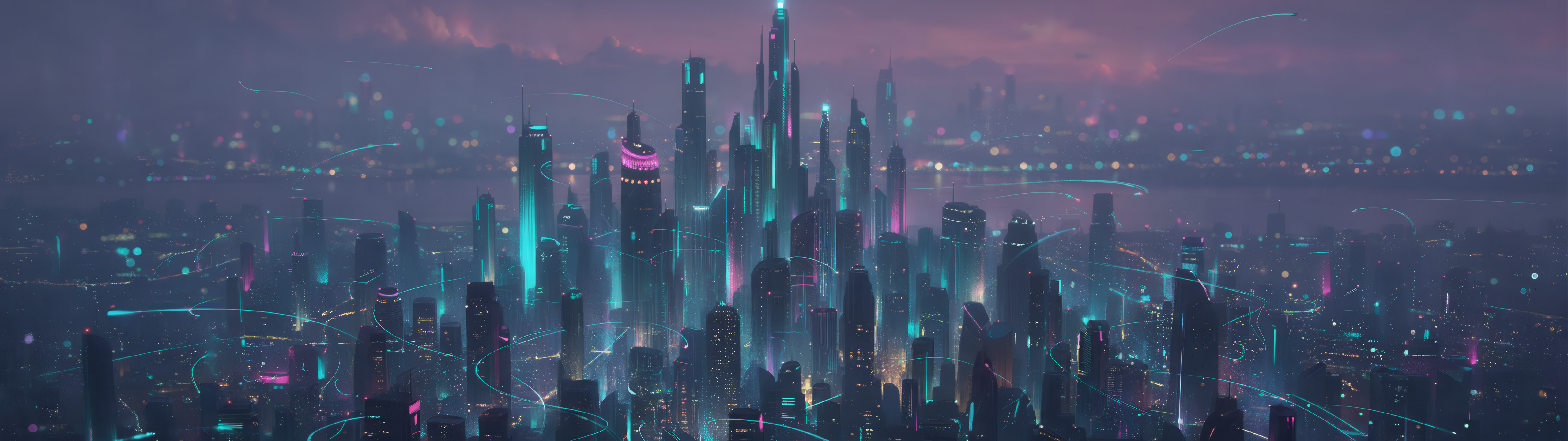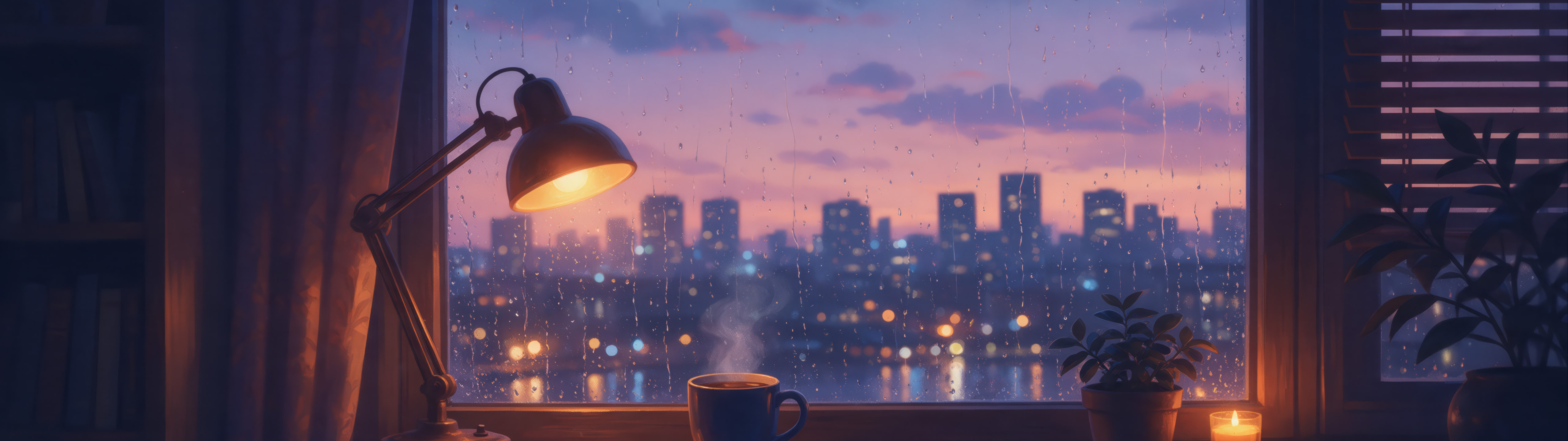
Airship Harbour
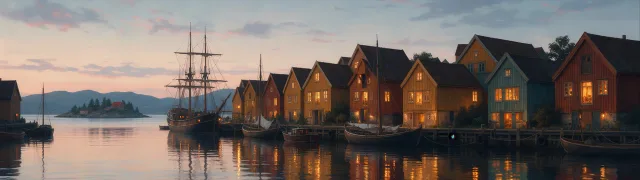
City · Retro
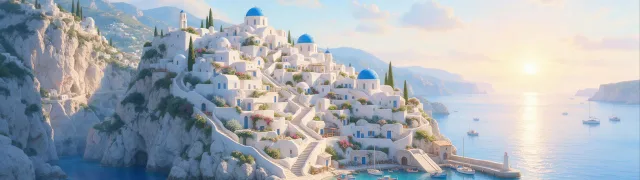
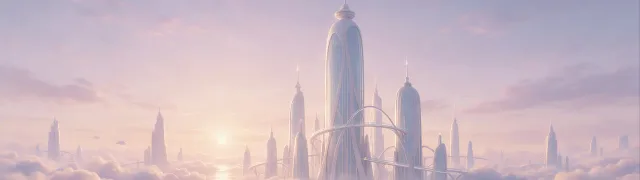
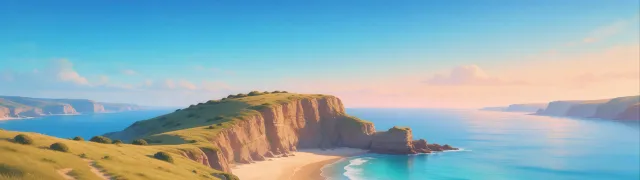
One wallpaper across two screens or one 32:9 super ultrawide: 3840 × 1080 spans two Full HD monitors, 5120 × 1440 two QHD monitors or a 49-inch super ultrawide, and 7680 × 2160 two 4K monitors or a 57-inch super ultrawide.
Super ultrawide 32:9 QHD: 49-inch super ultrawide
City · Retro
Landscape · Nature
Abstract · Dark
Abstract · Retro
Minimal · Abstract · Dark
Nature · Landscape
Abstract · Minimal
Retro · Abstract
City
Dark · Landscape · Nature
Abstract · Minimal
Abstract · Minimal · Dark
Retro · Abstract
Abstract · Retro
Abstract
Abstract
Nature · Minimal
Retro · Abstract
Retro · Abstract · Dark
Retro · Abstract
Minimal · Abstract
Abstract · Retro
City · Landscape
City · Minimal
Landscape · Nature
Abstract · Retro
Abstract
City · Dark · Landscape
Dark · Abstract · Minimal
Abstract · Minimal
Minimal · Abstract
Abstract · Retro · Dark
Landscape · Minimal
Abstract · Minimal
Landscape · Minimal
City · Dark
Abstract · Dark
City · Nature
City · Dark
Abstract · Minimal · Dark
Landscape
Dark · Abstract
Abstract · Minimal · Dark
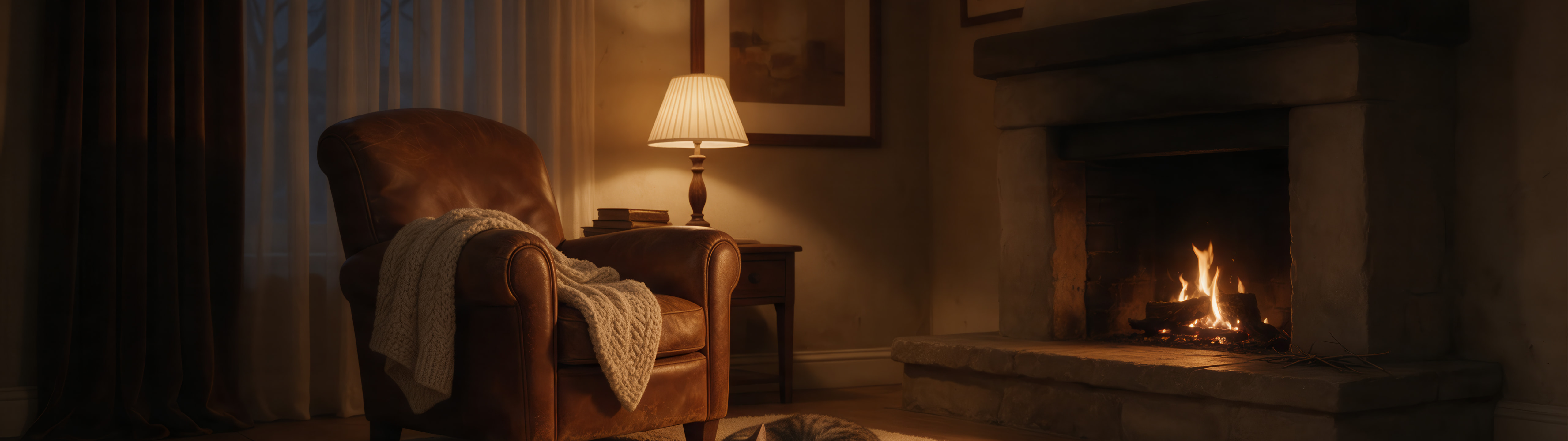
Cozy · Dark
City · Landscape
Minimal · Abstract · Dark
Abstract · Minimal
Abstract · Minimal
Abstract · Dark
Abstract · Minimal · Dark
Abstract · Minimal · Dark
Landscape
Cozy · Nature
Abstract · Retro
Abstract · Retro · Dark
Abstract · Retro · Dark
Abstract · Retro
Abstract · Retro
Abstract · Retro · Dark
Abstract · Retro
Abstract · Retro · Dark
Abstract · Retro
Abstract · Retro
Retro · Abstract
Abstract · Retro · Dark
City
Abstract
City · Dark
Abstract · Minimal · Dark
Abstract · Dark
Abstract · Retro
Abstract · Retro · Dark
Abstract · Retro
Landscape · Nature
Abstract · Minimal
Nature · Minimal
Abstract · Minimal · Dark
Minimal · Abstract
Abstract · Retro · Dark
Minimal · Dark
Minimal · Abstract
Abstract · Minimal
City · Space
Abstract · Minimal
Landscape
Abstract · Minimal · Dark
Abstract · Minimal
Nature · Landscape
City · Landscape
Abstract · Minimal
Dark · Space · Minimal
Abstract · Minimal · Dark
City · Cozy · Nature
Space
Abstract · Minimal · Dark
Abstract · Minimal · Dark
City · Dark
City · Dark
Minimal · Abstract · Dark
Retro · Abstract · Dark
Landscape · Nature · Dark
City · Landscape
Abstract · Minimal · Dark
Minimal · Abstract · Dark
Abstract · Minimal
Abstract · Minimal
Abstract · Minimal
Space · Dark
Minimal · Landscape
Minimal · Abstract
Minimal · City
Landscape · Minimal
Retro · Abstract
Minimal · Abstract
Abstract · Minimal
Abstract · Retro
Abstract
Abstract · Minimal
Abstract · Retro · Dark
Abstract · Minimal · Dark
Cozy · City
Cozy
City · Landscape
Space · Dark
Abstract · Minimal
Abstract · Retro
Abstract
Abstract · Minimal
City · Dark
Abstract · Minimal
Retro · Minimal
Retro · Abstract
Abstract · Retro
Abstract · Minimal · Dark
City
Cozy · Nature
City · Cozy
Minimal · Abstract
Space · Dark · Minimal
City · Nature
Abstract · Minimal
Space · Dark
City · Landscape
Abstract · Minimal
Abstract · Minimal
Retro
Abstract · Retro
Minimal · Abstract
Landscape · Minimal
Abstract · Minimal
City · Landscape · Nature
Nature · Landscape
| Size | Resolution | Fits |
|---|---|---|
| Super ultrawide 32:9 QHD | 5120 × 1440 | 49-inch super ultrawide |
| Super ultrawide 32:9 | 3840 × 1080 | 49-inch super ultrawide, FHD |
| Super ultrawide 32:9 4K | 7680 × 2160 | 57-inch super ultrawide |
Add up the widths: two 1920 × 1080 monitors make 3840 × 1080, two 2560 × 1440 monitors 5120 × 1440 and two 4K monitors 7680 × 2160.
Download the 32:9 file, open Settings › Personalization › Background, choose Picture, select the file and set the fit to Span.
Not on its own: macOS sets one wallpaper per display. Use the 32:9 file on a single super ultrawide monitor, or split it into a left and a right half in an image editor and set one half on each display.
Every size for every screen: wallpaper sizes. Other screens: Ultrawide · MacBook · iPad · iPhone · Android.